N7 CTF
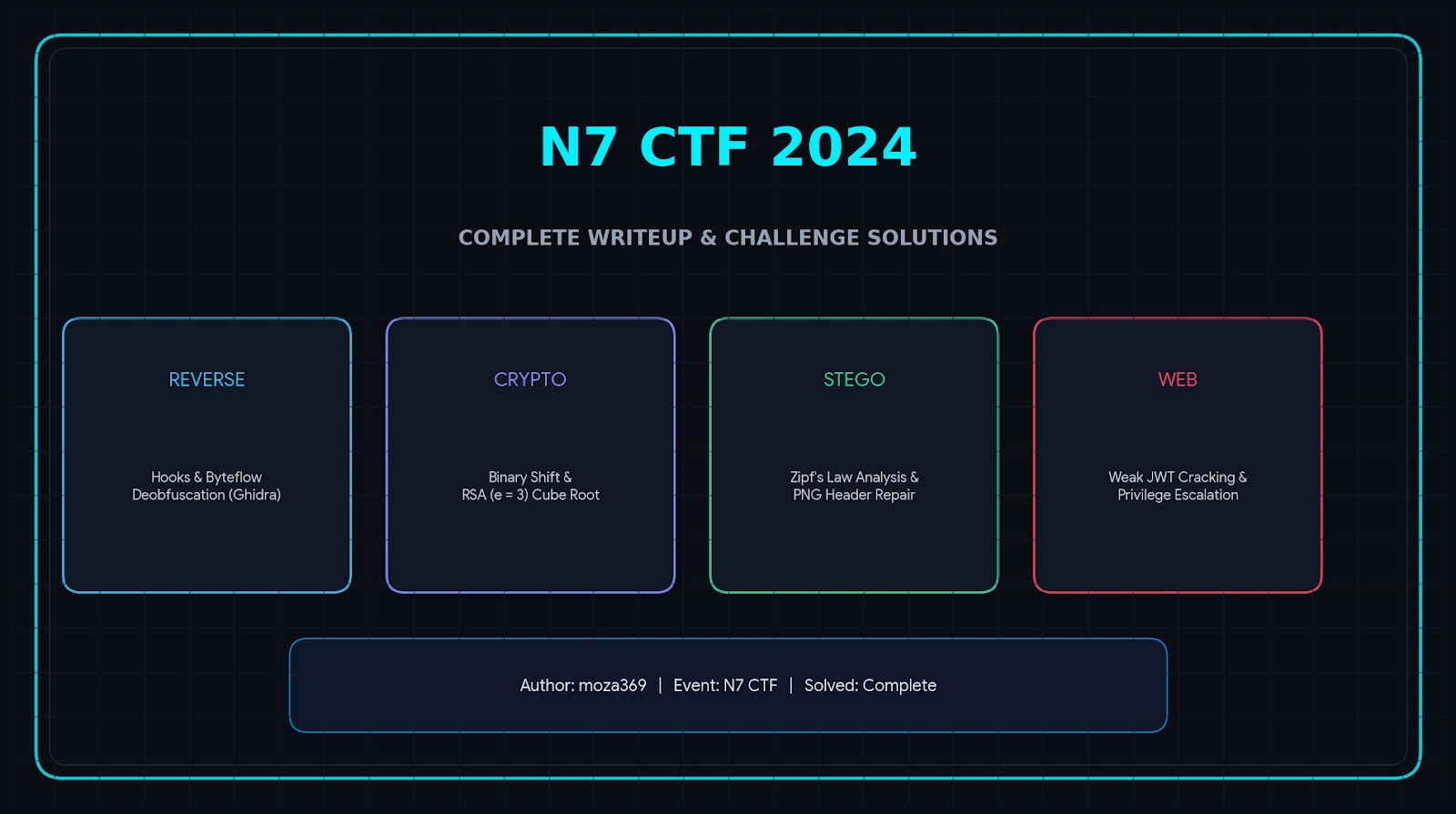
The N7 CTF was a Capture The Flag competition featuring challenges from several categories, including Web, Cryptography, Steganography, and Reverse Engineering.
In this writeup, I will cover the challenges I solved and explain the techniques used to obtain each flag.
Cryptography
Challenge 1 — Custom Encryption
Challenge Overview
For the first crypto challenge, we were given two Python files:
message.pyoutput.py
The first step was to inspect the encryption algorithm.
Encryption Function
The encryption function was:
def encrypt(message, key):
    encrypted_message = ""
    key_index = 0

    for char in message:
        key_value = int(key[key_index])
        encrypted_char = chr(ord(char) + key_value)
        encrypted_message += encrypted_char
        key_index = (key_index + 1) % len(key)

    return encrypted_message
The key was generated using:
def generate_key(length):
    key = ""

    for _ in range(length):
        key += str(random.randint(0, 1))

    return key
This means that every character is shifted by either:
01
depending on the corresponding bit of the key.
So the encryption is extremely weak.
Decrypting the Message
The encrypted text was:
itsfiuifs{esoprtfurbhpo
Since every character was shifted by either 0 or 1, we can simply test both possibilities.
Using a key consisting entirely of 1
flag = 'itsfiuifs{esoprtfurbhpo'
key = '11111111111111111111111'

message = ""

for char in flag:
    key_value = 1
    message += chr(ord(char) - key_value)

print(message)
This gives:
hsrehtherzdrnoqsetqagon
Using a key consisting entirely of 0 leaves the text unchanged:
itsfiuifs{esoprtfurbhpo
The plaintext clearly has to be reconstructed using the correct combination of 0 and 1.
Comparing the encrypted text with the expected plaintext gives the key:
00010111110101001101111
The resulting plaintext is:
itseitherzeroortetargon
Flag
N7-CTF{itseitherzeroortetargon}
Challenge2 — Simple Math
The second crypto challenge provided an RSA ciphertext with:
e = 3
along with the modulus n and ciphertext c.
The important observation here is that the public exponent is very small:
e = 3
and the RSA parameters were vulnerable to a low-exponent attack.
Instead of trying to factor the modulus, we can use an RSA cube-root attack when the plaintext is small enough.
For this challenge, I used an online RSA tool to recover the plaintext.
The relevant values were:
c = 26392220379396029307799975976860666600277311221158419707513071189369672865511728312451852169041503186620686466839228905433614882537074517779445399539998808203333534094770044448387285678233307795626452242538
48830988777624421
e = 3
n = 10568595557272500534727296074323962141199307738686360409677096174541200051019637779720682058177717186954072911288602411268992303060402613387933465935256872456236414896305399724799602033498634718769717884937
4917417289646475949679535200176152455407176055260974820531493339297291633199170870295476113587842624831
The plaintext revealed the flag:
N7-CTF{just_s1mple_m3th_765622}
Flag
N7-CTF{just_s1mple_m3th_765622}
Steganography
Challenge 1 — Frequency Analysis
The first steganography challenge provided a large paragraph of text.
The description gave a hint about Zipf’s law.
Zipf’s law describes the frequency distribution of words or characters in natural language. This suggested that the hidden information could be extracted by looking at character frequencies.
I analyzed the frequency of the characters in the provided text.
One of the tools I used was:
dCode Frequency Analysis
After analyzing the character frequencies, the hidden string was:
ETIASNROCLPHDFMUYGBWVX
The challenge required wrapping the result with the N7 CTF flag format.
Flag
N7-CTF{ETIASNROCLPHDFMUYGBWVX}
Challenge 2 — Corrupted PNG
For the second steganography challenge, we were given a PNG image that could not be opened normally.
This immediately suggested that something might be wrong with the image header.
Fixing the PNG Header
I opened the file using hexedit:
hexedit photo.png
A valid PNG file should start with the following 8-byte signature:
89 50 4E 47 0D 0A 1A 0A
I replaced the beginning of the file with:
89 50 4E 47 0D 0A 1A 0A
After saving the file, the image could be opened normally.
Extracting the Hidden Data
Now that the image was fixed, I used StegSolve to inspect its different image planes and channels.
I launched it with:
java -jar stegsolve.jar
After opening the recovered image and checking the available transformations and channels, the hidden flag was revealed.
Flag
N7-CTF{ju57_w4n73d_70_w4573_y0ur_71m3}
Web
Challenge — JWT Authentication
Challenge Overview
The web challenge presented a login page.
Initially, I tried:
admin:admin
but the application rejected the username.
Trying a normal username such as:
guess:guess
returned an interesting message indicating that the username was too short.
This suggested that there was probably some unusual validation happening on the username.
Initial Exploitation
I tried a very long username consisting of repeated A characters:
AAAAAAAAAAAAAAAAAAAAAAAAAAAAAAAAAAAAAAAAAAAAAAAAAAAAAAAAAAAAAAAAAAAAAAAA...
with:
password: admin
This time, the login succeeded.
However, I was still not recognized as an administrator.
So the next step was to inspect the application’s cookies.
JWT Analysis
The application issued a JSON Web Token.
The JWT had the standard three-part structure:
HEADER.PAYLOAD.SIGNATURE
Decoding the payload revealed information similar to:
{
    "username": "AAAA...",
    "password": "admin",
    "iat": 1715426463,
    "exp": 1715430063
}
The application was therefore putting both the username and password directly inside the JWT payload.
More importantly, the token was signed using:
HS256
This meant that the application was using a symmetric secret to sign the JWT.
Cracking the JWT Secret
I saved the JWT into a file:
nano jwt.hash
Then I used Hashcat with mode 16500, which is used for JWTs:
hashcat -m 16500 jwt.hash ~/rockyou.txt
Hashcat recovered the signing secret:
J33p3r5cr33p3r5
This was the critical weakness.
The JWT was cryptographically signed, but the signing secret was weak enough to be recovered using a dictionary attack.
Modifying the JWT
After recovering the secret, I decoded the token and modified the payload.
The original username was replaced with:
{
    "username": "admin",
    "password": "admin",
    "iat": 1715426463,
    "exp": 1715430063
}
The token then needed to be re-signed using the recovered secret.
I used JWT tooling to generate the modified token.
The resulting JWT was:
eyJhbGciOiJIUzI1NiIsInR5cCI6IkpXVCJ9.eyJ1c2VybmFtZSI6ImFkbWluIiwicGFzc3dvcmQiOiJhZG1pbiIsImlhdCI6MTcxNTQyNjQ2MywiZXhwIjoxNzE1NDMwMDYzfQ.FuJpK48O-8fQ0Y3PEjGxyLjjmXlTa1NgZ4t_r5B2hGk
I replaced the existing JWT cookie with the forged token and refreshed the page.
This time, the application recognized me as an administrator and exposed the Get Flag functionality.
Flag
N7-CTF{u53_57r0ng_4nd_l0ng_53cr373_f0r_51gn1ng_jw7}
Reverse Engineering
Challenge — REV
Challenge Overview
For the reverse-engineering challenge, I was given a binary executable.
I started by loading the binary into Ghidra and analyzing the functions.
During the analysis, I found a suspicious array containing a sequence of hexadecimal values.
These values were later used in a transformation that appeared to generate the hidden string.
Analyzing the Obfuscation
The relevant values were:
hooks = [
    0x9D, 0x94, 0xAF, 0xB2, 0xBD, 0xB2, 0xA1,
    0xB4, 0xB7, 0xB1, 0xBD, 0xB9, 0xB3, 0xB6,
    0xAB, 0xAB, 0xBB, 0xB4, 0xB5, 0x9E, 0x98,
    0x8F, 0x98, 0x89, 0x57, 0x66, 0x40, 0x6C,
    0x6A, 0x50, 0x6D, 0x92, 0x73, 0x97, 0x50,
    0x87, 0x87, 0x76, 0x77, 0x7F, 0x77, 0x67,
    0x78, 0x71, 0x4F, 0x61, 0x72, 0x6B, 0x66,
    0x7B, 0x43
]
After some analysis and research, I identified the transformation used to reverse the obfuscation.
The important part was:
reverse_string = ""

hooks = hooks[::-1]

for i in range(51):
    char = (hooks[i] ^ i) - i
    reverse_string += chr(char)
The algorithm performs three operations:
- Reverse the array.
- XOR each value with its index.
- Subtract the index and convert the result to a character.
Decrypting the String
I reproduced the algorithm in Python:
hooks = [
    0x9D, 0x94, 0xAF, 0xB2, 0xBD, 0xB2, 0xA1,
    0xB4, 0xB7, 0xB1, 0xBD, 0xB9, 0xB3, 0xB6,
    0xAB, 0xAB, 0xBB, 0xB4, 0xB5, 0x9E, 0x98,
    0x8F, 0x98, 0x89, 0x57, 0x66, 0x40, 0x6C,
    0x6A, 0x50, 0x6D, 0x92, 0x73, 0x97, 0x50,
    0x87, 0x87, 0x76, 0x77, 0x7F, 0x77, 0x67,
    0x78, 0x71, 0x4F, 0x61, 0x72, 0x6B, 0x66,
    0x7B, 0x43
]

reverse_string = ""

hooks = hooks[::-1]

for i in range(51):
    char = (hooks[i] ^ i) - i
    reverse_string += chr(char)

print(reverse_string)
The resulting string contained the flag.
Flag
Cyber_Cohesion{y0uOne0fd@f3whuhbutweknowmostarenot}
🏁 Flags
After solving the challenges, the recovered flags were:
| Category | Challenge | Flag |
|---|---|---|
| Crypto | Custom Encryption | N7-CTF{itseitherzeroortetargon} |
| Crypto | RSA | N7-CTF{just_s1mple_m3th_765622} |
| Stego | Frequency Analysis | N7-CTF{ETIASNROCLPHDFMUYGBWVX} |
| Stego | Corrupted PNG | N7-CTF{ju57_w4n73d_70_w4573_y0ur_71m3} |
| Web | JWT Authentication | N7-CTF{u53_57r0ng_4nd_l0ng_53cr373_f0r_51gn1ng_jw7} |
| Rev | Reverse Engineering | Cyber_Cohesion{y0uOne0fd@f3whuhbutweknowmostarenot} |
Happy hacking
— MOZA